The details you want.
Choose a 12- or 24-hour clock. Toggle seconds, date and weekday separately, without leaving what you are watching.
ANDROID TV · FREE V1
A glance at the time. Stay with the picture.
A floating clock for Android TVs and TV boxes. Choose its position, appearance and the details you see.
Position demo · choose a corner
Web illustration, not a device screenshot
01 / FEATURES
Useful choices, with room for everything else on your screen.
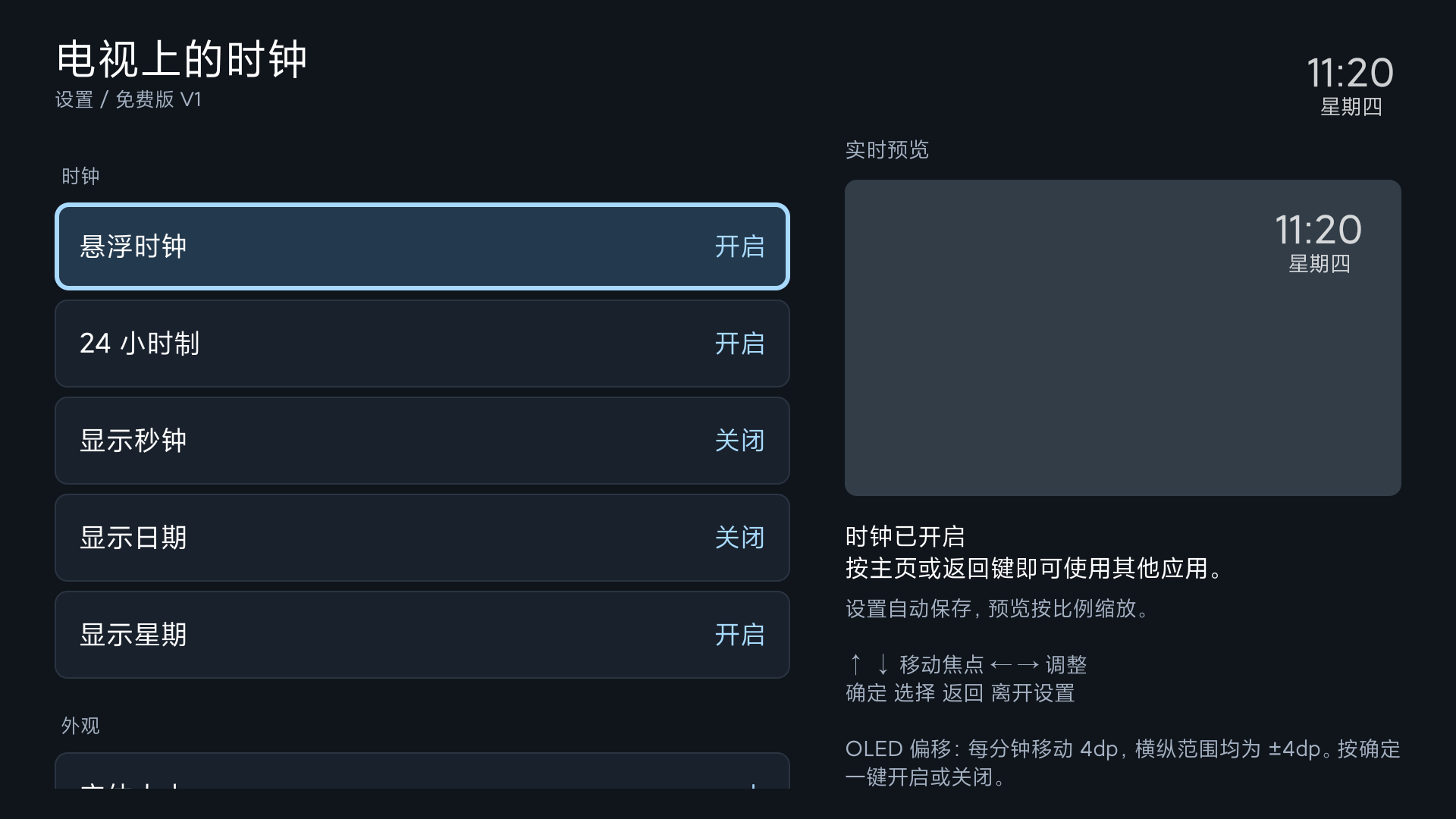
Choose a 12- or 24-hour clock. Toggle seconds, date and weekday separately, without leaving what you are watching.
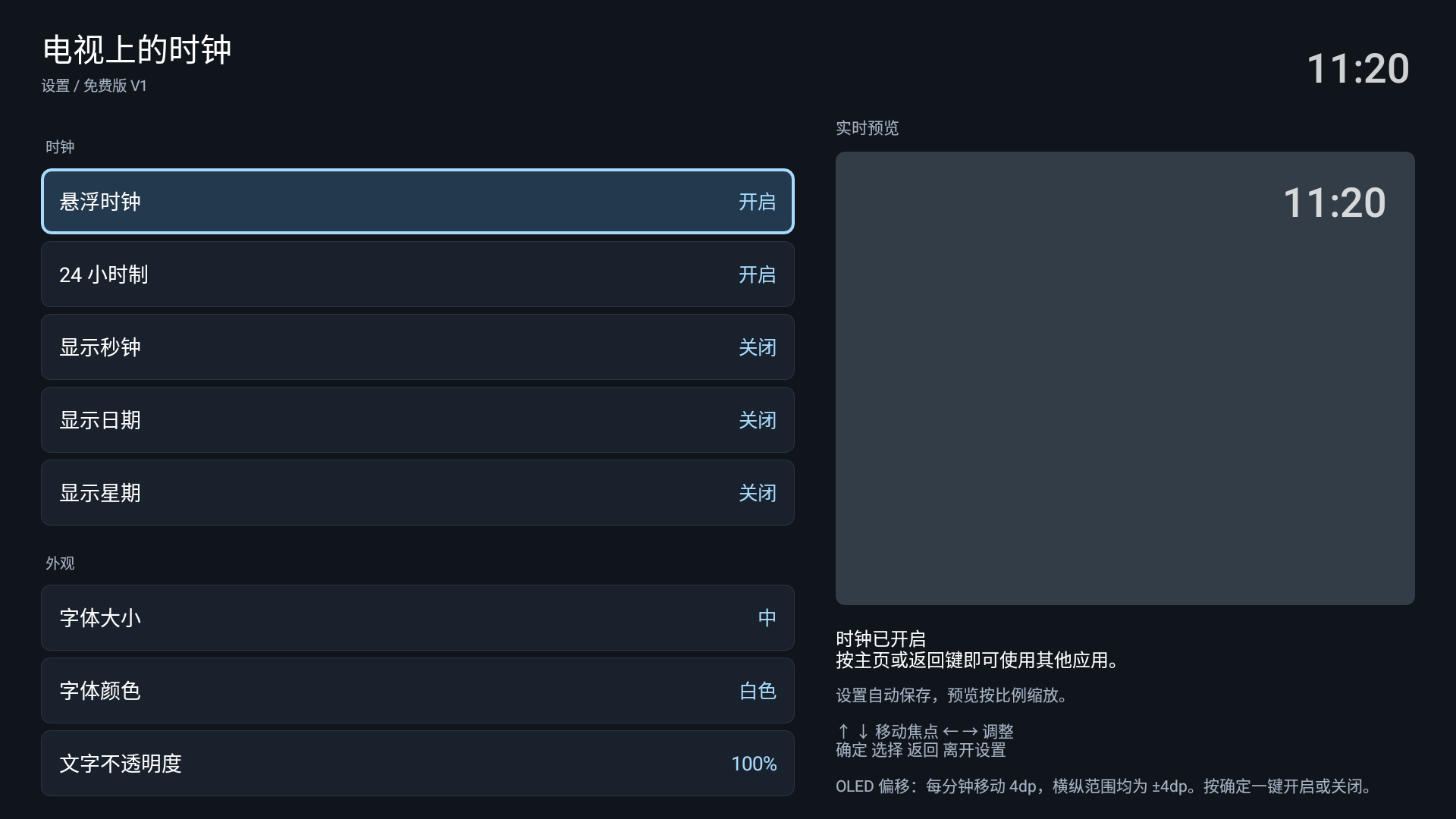
Choose a corner and fine-tune its position. Four text sizes and six colors help the clock fit your screen.
Adjust text and background opacity, and toggle the background or shadow. See each change in the live preview.
Turn on OLED shift for a fixed 4dp step each minute, within ±4dp on each axis. It reduces static placement but does not guarantee burn-in prevention.
02 / IN THE APP
Actual device screenshots from version 1.0.5. Move with Up/Down, adjust with Left/Right. Settings save automatically.
 View full size
  View full size
 03 / BEFORE YOU INSTALL
Requires Android 6.0 or later and system overlay permission. Android 6.0 has passed emulator validation; physical-device acceptance is pending. Earlier versions were tested on selected Android 7.1.2 and Android 9 devices.
Manufacturers may restrict overlays, background operation and startup. Start on Boot attempts to restore the clock, but some firmware still requires opening the app manually.
Read compatibility notes and FAQFREE V1 · 1.0.7
The current download is a signed test APK (Debug build).